A production brief
The audience, message, use cases, and final asset list. Define where the content will appear before choosing the filming approach, length, or format.
Video & Content Production
We turn your products, expertise, and event activity into practical video and content assets. Plan what needs to be captured and how each piece will work on booth screens, websites, email, and social media.
Ways to work together
Compare the scope of each approach, including the decisions and inputs your team will own. The proposal confirms the services and responsibilities you choose.
Turn usable footage and approved source assets into a focused content package.
Your part: Supply usable files, factual guidance, and confirmation of the rights needed for the intended use.
Scope the capture and creative work needed for a new product or event story.
Your part: Arrange product and subject access, approve the plan, and confirm site permissions. Travel and talent are quoted separately.
Who it helps
Use Video & Content Production where it supports a specific business need. These starting points help us choose the right work and identify the information your team needs to provide.
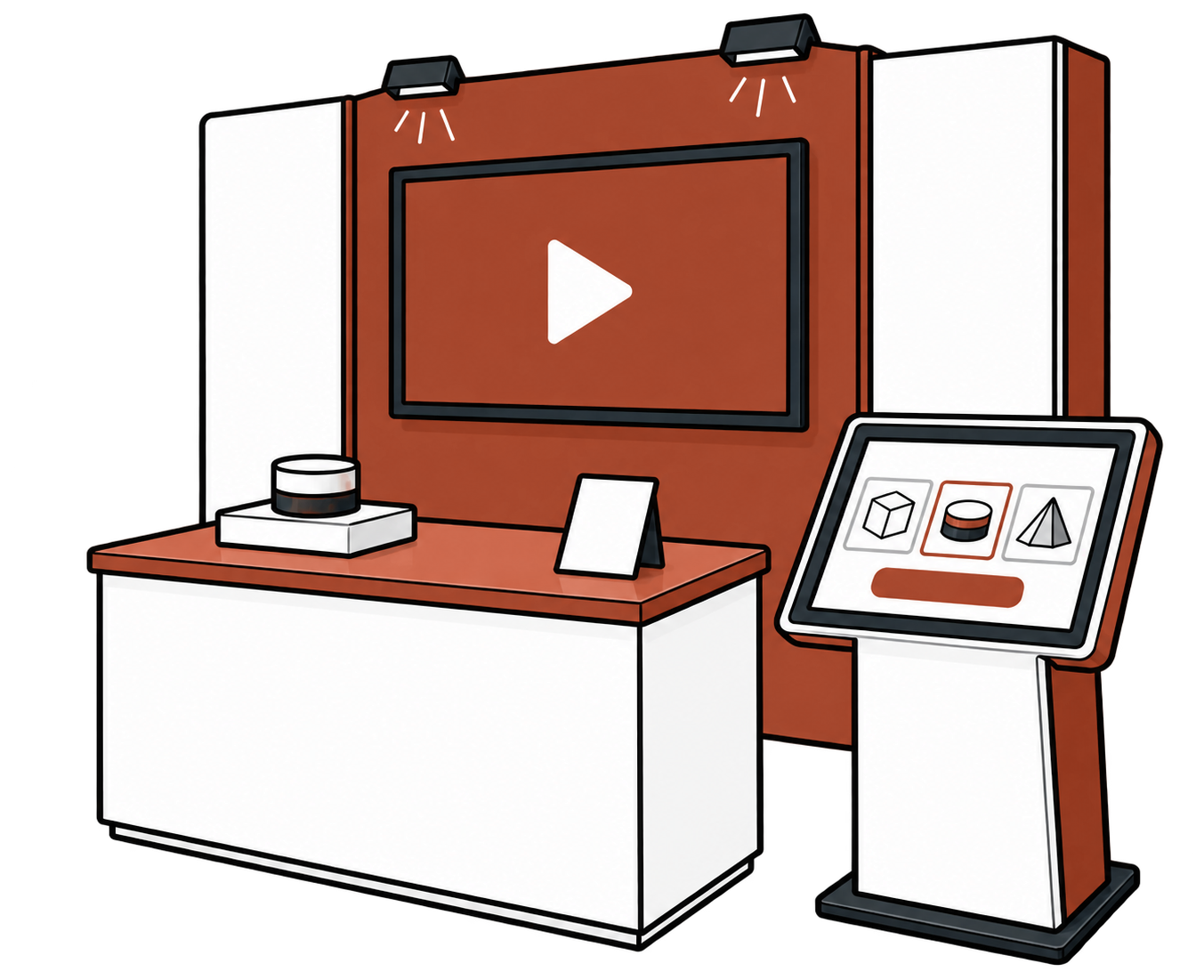
Use an organized demonstration to show how the product works and what the viewer should understand next.
Plan screen loops and presentations around viewing distance, audio conditions, and how staff will use them.
Decide which footage and interviews can support a recap, a website asset, or short social edits before capture starts.
Create a focused product overview or demonstration that sales can share after a meeting to answer common questions and explain the next step.
How it works
Follow the work, decisions, and responsibilities at each stage. We agree the actual schedule around your scope, approvals, and the dependencies that affect delivery.
Agree the message, audience, destinations, and finished asset list.
Resolve the script, capture needs, and practical requirements before editing or filming.
Create the agreed assets and collect focused feedback against the brief.
Prepare the final versions for their actual channels and playback requirements.
The stages show the working sequence, not a guaranteed turnaround. Your proposal confirms the included work, review points, and timing. External approvals and separately scoped services can affect the schedule.
Quality and controls
Use specific review points to catch gaps and keep the work connected to the approved brief. Each check needs the right information and a person who can make the decision.
The handoff
Useful work needs a usable handoff. Agree the outputs, supporting information, and ownership so the next stage can move forward with a clear starting point.
Clearly named exports showing the purpose, format, and approved version of each deliverable.
The intended channels and any relevant licensing or supplied-asset conditions agreed for the project.
A record of what was delivered and which further edits, formats, or source-file handoffs would require additional scope.
Production approach, capture, revisions, and final formats are agreed before work starts. On-site filming, travel, talent, licenses, source files, and additional versions are included only when specified.
Scope and pricing
The proposal connects your requirements to deliverables, responsibilities, fees, and terms. Review the initial work, ongoing needs, and connected services together.

Compare the approaches
Review the story and available material before choosing the production approach.
| What to consider | Existing footage | New capture |
|---|---|---|
| Starting point | Existing footage Use footage and brand assets that already support the intended message. | New capture Plan shots, interviews, and demonstrations around the story you need. |
| Main dependency | Existing footage File quality, permissions, available audio, and sufficient relevant coverage. | New capture Access, locations, people, equipment, and a workable capture schedule. |
| Scope decision | Existing footage Agree which gaps can be worked around and which require additional material. | New capture Agree the capture plan and finished assets before committing production resources. |
Frequently asked questions
Find practical answers about getting started, approvals, scope, costs, and what happens after delivery.
8 questions about getting started.
Yes. We review its quality, coverage, audio, and suitability for the intended story before agreeing the edit. A folder of footage may still lack the specific demonstration or explanation needed. Share original files where available and confirm the intended usage rights.
Yes, when the asset plan accounts for those channels from the start. A booth loop, website explainer, and vertical social edit can have different framing and audio needs. Agree the versions before production so important shots and information work in the required formats.
We can review whether supplied footage, images, diagrams, and other approved assets can support the story. The production approach depends on the message and source quality. Animation or additional illustration may require a separate scope, so the brief should settle the approach before editing begins.
A planned video can explain parts of the product that are impractical to show live. Start with the specific question the viewer needs answered, then review the available evidence and source material. The content should remain accurate about what the product does and how the demonstration relates to real use.
Start with the information in the preparation checklist: audience and core message; finished asset list and channels; available footage and brand assets; product experts and locations; permissions and licensing information; review owner and playback requirements. You do not need a finished specification to discuss the project. Identify what is confirmed, what is still undecided, and any deadline or budget constraint that could change the recommended scope.
Yes, when the responsibilities and handoffs are clear. Identify who supplies information, who implements each part, and who has final approval. We define the work our team owns and the dependencies retained by others. That helps avoid duplicate effort, conflicting instructions, and assumptions about services that no one has agreed to provide.
We can use the first discussion to identify the gaps and decide what can be clarified early. Missing facts, access, specifications, or approvals may prevent later work from starting. Bring the materials you have and explain what is uncertain, so preparation can be sequenced around the decisions that matter.
Start by sharing the previous scope, relevant materials, and what went wrong. We can review whether the issue involved requirements, execution, handoff, or expectations. A new supplier alone is not a guarantee of a better outcome. The useful next step is an agreed brief, clear responsibilities, and review points that address the actual problem.
Video & Content Production
Share your goals, current materials, and timing. We will review the Video & Content Production requirements, identify open decisions, and agree a practical scope with your team.
info@exhibitant.com