An engagement brief
The visitor you want to help, the message they should understand, and the action the team wants to support. Keep the experience connected to your products and show objectives.
Attendee engagement
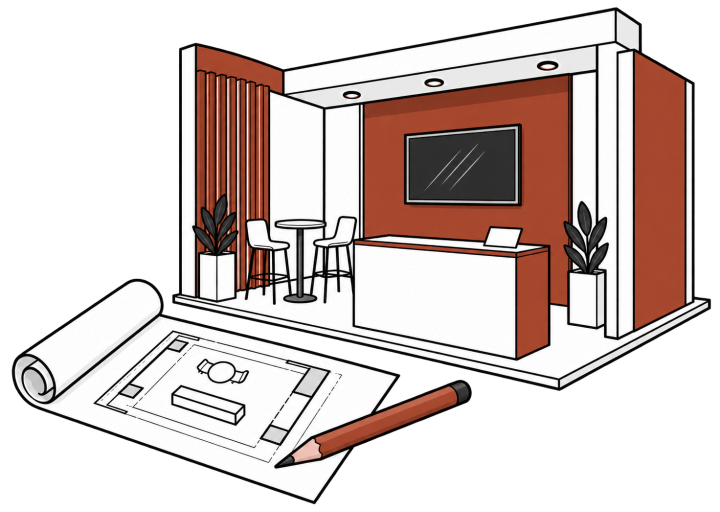
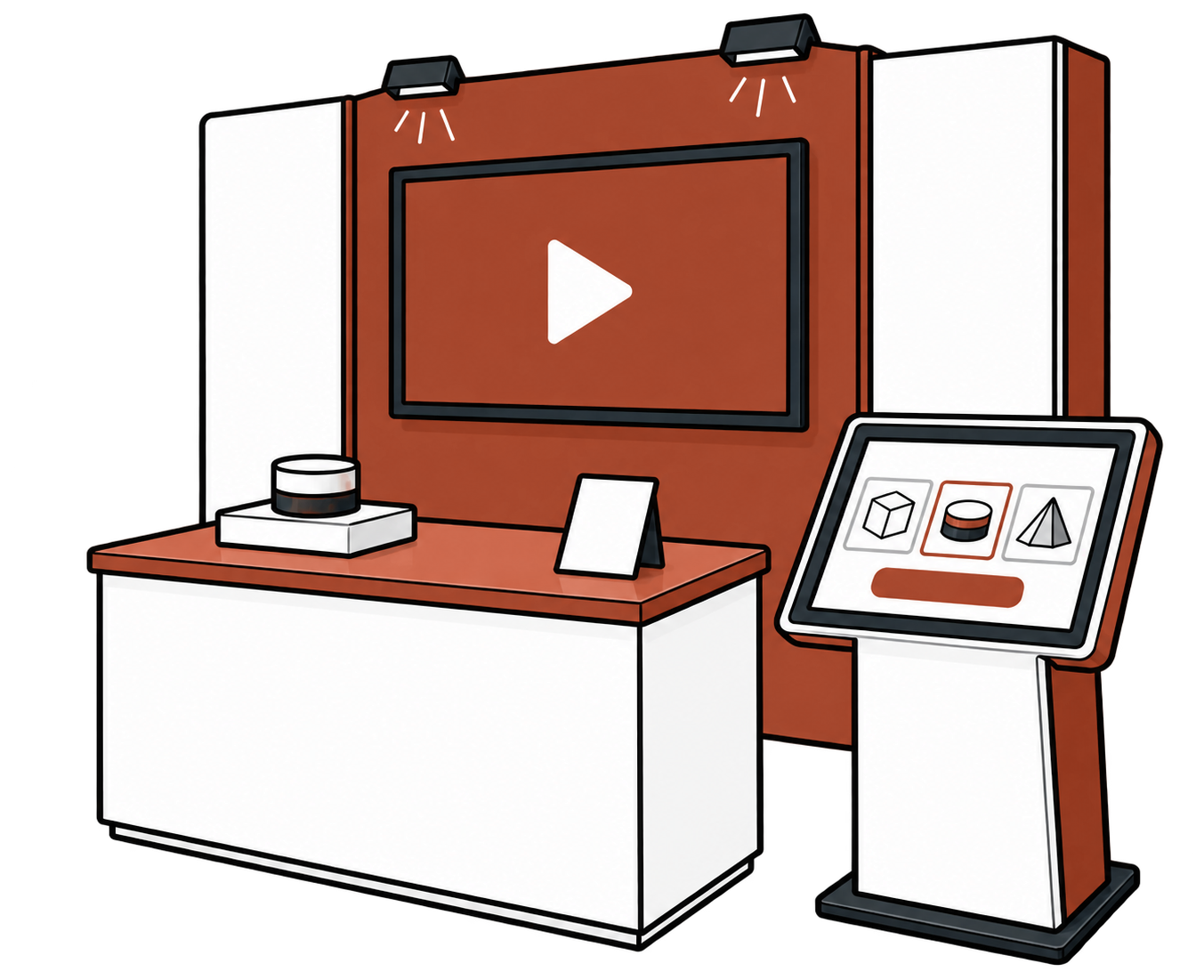
A booth needs more than walls and graphics to perform on the show floor. We help you plan demo stations, screens, product placement, and attendee touchpoints so the layout supports how your team actually works the aisle.
Ways to work together
Compare the scope of each approach, including the decisions and inputs your team will own. The proposal confirms the services and responsibilities you choose.
Plan the visitor experience and the physical requirements it creates.
Your part: Provide product details and confirm what staff can demonstrate reliably.
Connect the selected experience to the agreed booth, content, and equipment work.
Your part: Approve the experience and assign booth operators. Rentals, video, software, and capture systems are separately defined.
Who it helps
Use Attendee Engagement where it supports a specific business need. These starting points help us choose the right work and identify the information your team needs to provide.
Plan a focused demonstration that helps a visitor understand the relevant benefit without blocking the booth.
Choose where video or interactive content supports a conversation rather than adding a display with no clear role.
Connect the experience to a useful follow-up, product discussion, or agreed capture process your staff can actually deliver.
Give the team a repeatable sequence, key talking points, and a clear way to adapt the experience to a visitor's interests.
How it works
Follow the work, decisions, and responsibilities at each stage. We agree the actual schedule around your scope, approvals, and the dependencies that affect delivery.
Agree the audience, product story, and useful next step.
Develop practical concepts and check how they fit the space.
Connect the selected experience to the agreed content and booth work.
Give the floor team the plan and the dependencies they need to check.
The stages show the working sequence, not a guaranteed turnaround. Your proposal confirms the included work, review points, and timing. External approvals and separately scoped services can affect the schedule.
Quality and controls
Use specific review points to catch gaps and keep the work connected to the approved brief. Each check needs the right information and a person who can make the decision.
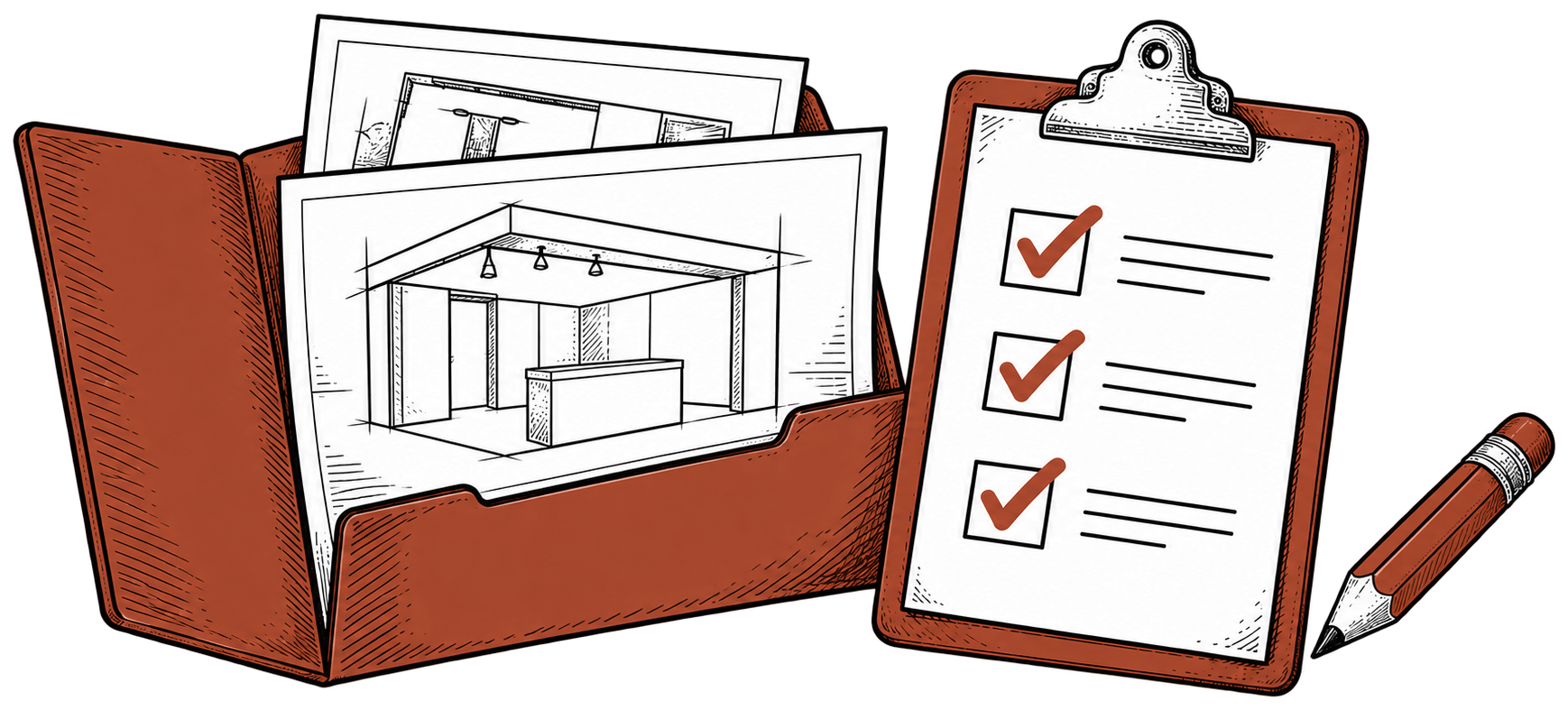
The handoff
Useful work needs a usable handoff. Agree the outputs, supporting information, and ownership so the next stage can move forward with a clear starting point.
The selected touchpoints, intended visitor journey, and purpose of each interaction.
Equipment positions, content needs, power considerations, and staff operating context.
The intended follow-up action, capture requirements, and ownership boundaries for the booth team.
Engagement planning connects practical touchpoints to the booth. Equipment, video, custom applications, staffing, and lead capture are included only when specified. Visitor participation and sales results are not guaranteed.
Scope and pricing
The proposal connects your requirements to deliverables, responsibilities, fees, and terms. Review the initial work, ongoing needs, and connected services together.
Compare the approaches
Choose the format around the product, the question being answered, and the people available to run it.
| What to consider | Staffed demonstration | Self-guided screen or display |
|---|---|---|
| Useful for | Staffed demonstration Products that benefit from explanation, questions, or a guided sequence. | Self-guided screen or display A focused piece of information visitors can explore with limited assistance. |
| Requirements | Staffed demonstration An available operator, a repeatable demonstration, and enough visitor space. | Self-guided screen or display Clear content, intuitive operation, suitable equipment, and a fallback owner. |
| Next step | Staffed demonstration The staff member moves the visitor into a relevant conversation. | Self-guided screen or display The display provides an obvious way to ask a question or connect with the team. |
Frequently asked questions
Find practical answers about getting started, approvals, scope, costs, and what happens after delivery.
8 questions about getting started.
No. A compact booth can benefit from one clear demonstration or a useful screen. The concept needs to fit the available space and staff capacity. Start with what the visitor should understand rather than a list of interactive features.
Yes. We review its purpose, duration, equipment, and operating needs in the context of the booth. A demonstration that works in a meeting room may need adjustments for noise, circulation, or limited attention on the show floor.
Yes. Define the purpose of each interaction and how staff move a visitor from a brief introduction into a more detailed conversation. The layout and content need to support those different durations without blocking circulation. Agree the priorities before adding more stations than the booth or team can operate.
We can identify what the experience needs and whether existing assets are suitable. New video, scripts, or interactive content can be scoped separately. The engagement plan should not depend on a finished asset that has no production owner, approval process, or place in the schedule.
Start with the information in the preparation checklist: show objectives and visitor profile; products and demonstration requirements; booth layout and available space; screens, equipment, and power needs; approved content and staff capacity; lead capture and follow-up owner. You do not need a finished specification to discuss the project. Identify what is confirmed, what is still undecided, and any deadline or budget constraint that could change the recommended scope.
Yes, when the responsibilities and handoffs are clear. Identify who supplies information, who implements each part, and who has final approval. We define the work our team owns and the dependencies retained by others. That helps avoid duplicate effort, conflicting instructions, and assumptions about services that no one has agreed to provide.
We can use the first discussion to identify the gaps and decide what can be clarified early. Missing facts, access, specifications, or approvals may prevent later work from starting. Bring the materials you have and explain what is uncertain, so preparation can be sequenced around the decisions that matter.
Start by sharing the previous scope, relevant materials, and what went wrong. We can review whether the issue involved requirements, execution, handoff, or expectations. A new supplier alone is not a guarantee of a better outcome. The useful next step is an agreed brief, clear responsibilities, and review points that address the actual problem.
Booth engagement
Share your goals, current materials, and timing. We will review the Attendee Engagement requirements, identify open decisions, and agree a practical scope with your team.
info@exhibitant.com