Booth add-ons

Accessories that make the booth work better

Accessories are small decisions that affect how the booth actually works. We help plan shelves, lighting, mounts, cases, and add-ons around the exhibit layout.
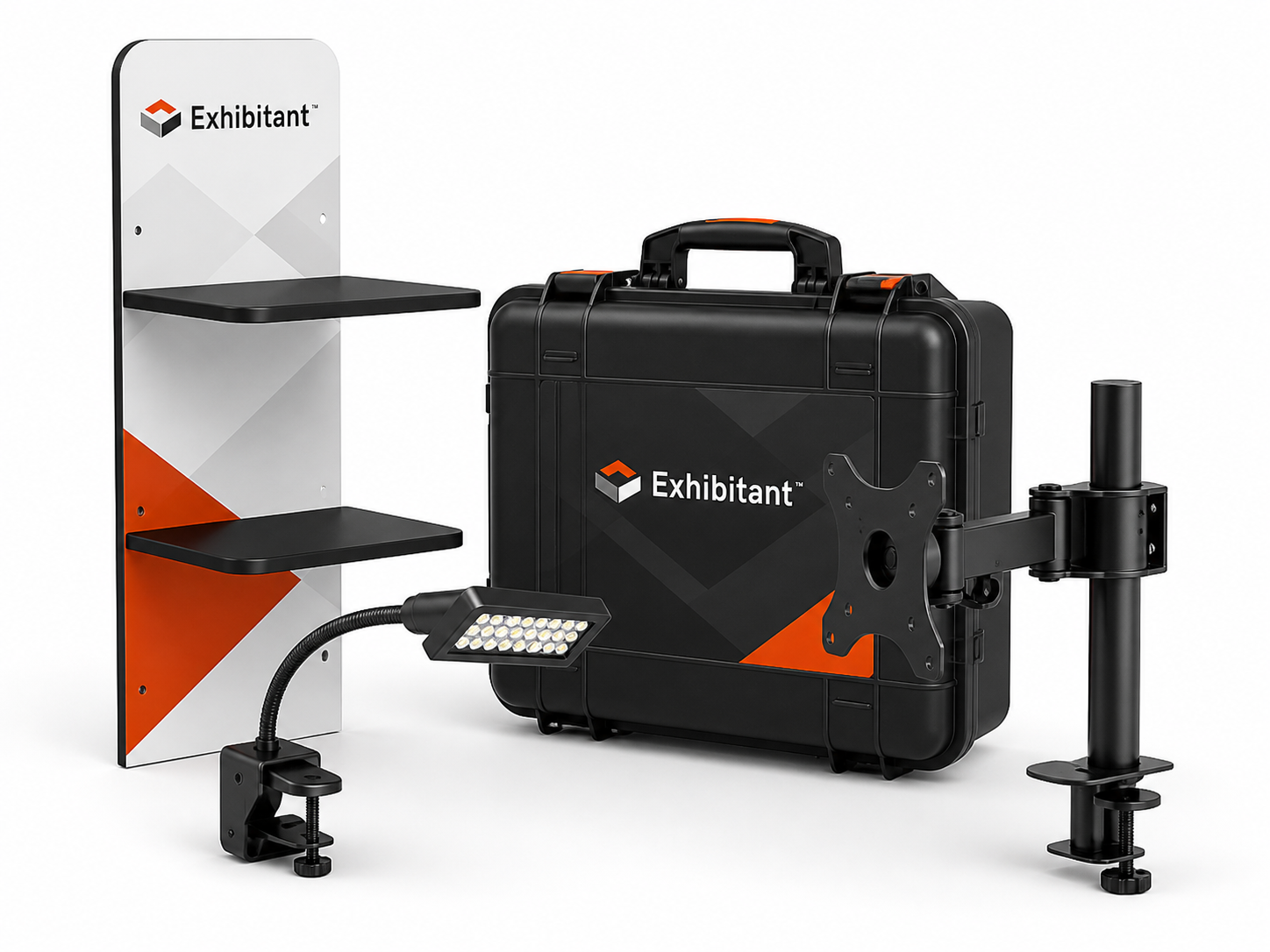
Accessories example

Accessory options

Add-ons should support the booth, not clutter it

Choose accessories that solve a practical need for display, lighting, storage, or staff workflow.

Shelves

Give products a clean display point while keeping counters open for demos, samples, and conversations.

Lights

Add focused visibility to graphics, products, and key messages without overlighting the whole booth.

Monitor mounts

Place screens where visitors can see them clearly without blocking traffic or crowding the layout.

Cases

Protect hardware, graphics, and small parts so repeat setups stay organized from show to show.

Planning fit

Plan accessories around the way you work

Choose each add-on to solve a working problem. Confirm the structure it connects to and the item it supports before ordering shelves, lights, mounts, or cases.
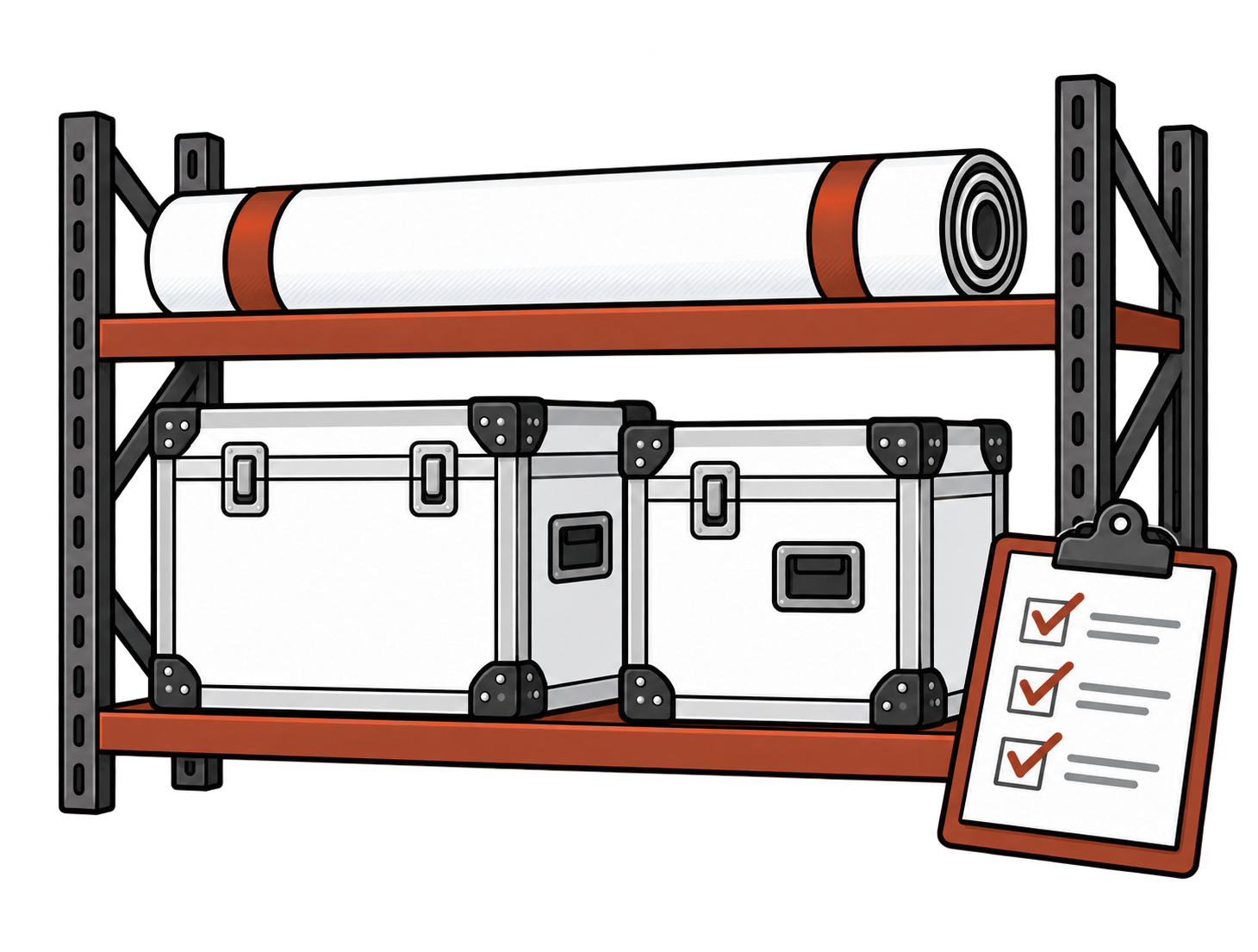
Hand-drawn exhibit components organized for storage and repeat use

Display products clearly

Add a compatible shelf or support that holds the actual product while leaving room for the demonstration and conversation.

Improve a viewing position

Place a monitor where the audience can see it and the structure can support it, with a planned cable route.

Light a key detail

Use an appropriate fixture to support a graphic or product, coordinated with power availability and the exhibit hardware.

Organize repeat setups

Choose cases and packing arrangements that protect components and help the team identify what belongs at each station.

Key decisions

Resolve the details that shape the result

Use these points to connect the visual direction with the working requirements. They help turn a product preference or booth idea into a specification your team can review.

01
System compatibility
Identify the exhibit make, model, frame profile, and connection points. Similar-looking fittings may have different dimensions or supported uses.
02
Load and balance
Provide the weight, dimensions, and position of the item being supported. Review the complete arrangement, including the supporting frame and base.
03
Power and cable paths
Plan device and lighting connections so cables remain protected and do not interfere with visitors, assembly, or access to storage.
04
Packing and identification
Match cases to component dimensions and the transport method. Label hardware, small fittings, and cables so nothing is lost between events.

Compare approaches

Decide how the accessory should be supported

Compare the working requirements of each approach. We can review the tradeoffs against your event, team, and existing equipment.

What to considerFrame-mounted accessoryIndependent accessory
Compatibility

Must match the frame connection and supported configuration.

Needs its own suitable base, stability, and floor location.

Layout

Can consolidate a product or screen with the exhibit structure.

Can be positioned separately when circulation and space allow.

Load review

Review the accessory, connection, and supporting structure together.

Review the independent unit and the equipment or product it holds.

Travel

Keep the matching brackets and assembly information with the frame.

Allow for an additional packed item and its handling requirements.

How it works

From a useful brief to a prepared show team

The project moves through clear decisions, reviews, and handoffs. We confirm the work and responsibilities in your proposal, then plan the milestones around the event.

  1. STEP 01

    Confirm the application

    Review where the product will sit, how it will be used, and what it needs to connect to. Agree on dimensions, quantities, and the event delivery target.

  2. STEP 02

    Resolve the specification

    Select the hardware, material, finish, and graphic format. Review compatibility and identify design, transport, or setup support to include in the quote.

  3. STEP 03

    Review and approve

    Prepare the agreed artwork and production details. Your team checks the proof and specification before the approved version moves into production.

  4. STEP 04

    Prepare for use

    Coordinate the agreed packing and delivery route. Keep the component information, setup notes, and approved files available for installation and future orders.

Your schedule brings the scope, approvals, production, and delivery route together. Sharing the show and arrival dates early helps us identify the right milestones and any decisions to prioritize.

Before production

Review the fit, finish, and show requirements

A clear specification helps everyone work from the same approved information. These checks connect the product or structure to its artwork, event, and setup plan.
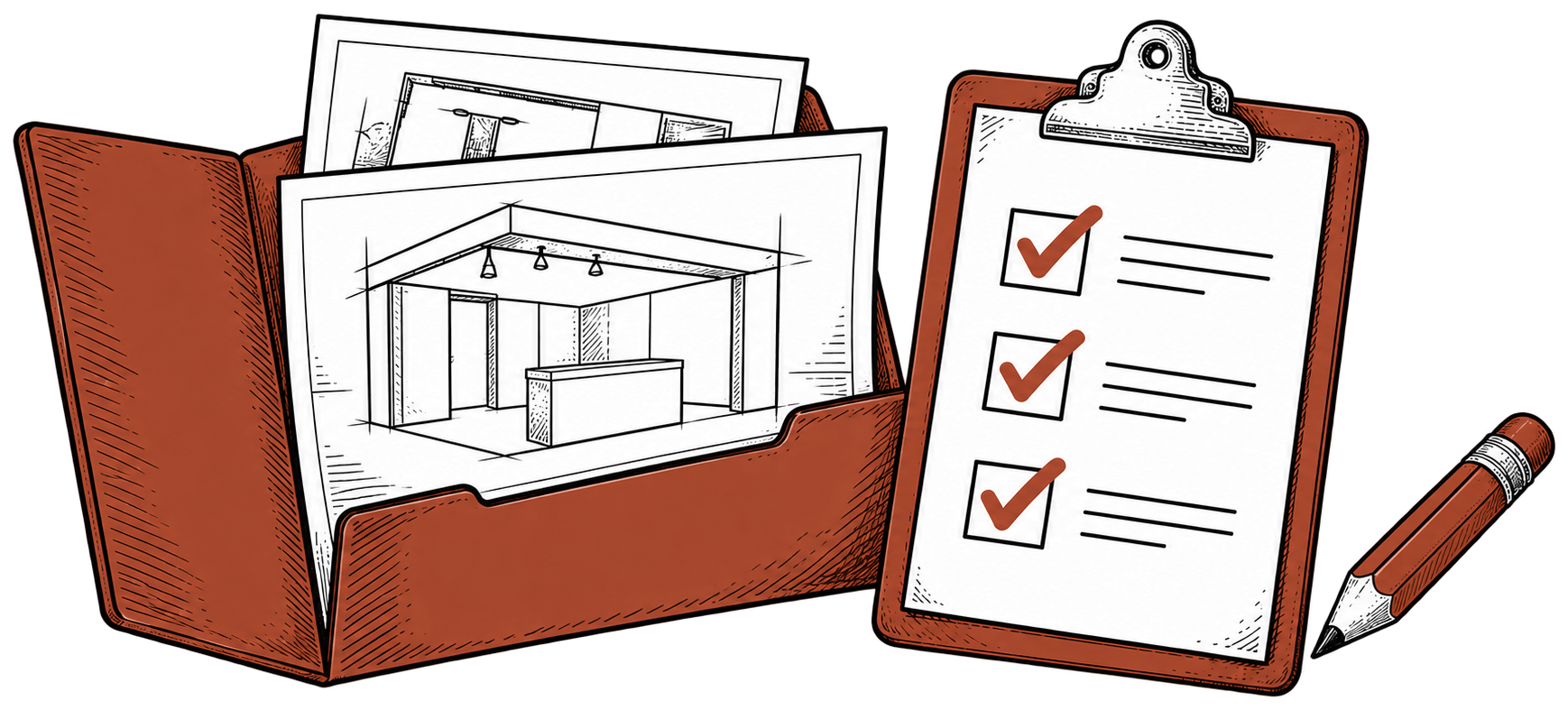
Hand-drawn exhibit plan and approval checklistExplore print and artwork preparation
01
Dimensions and compatibility
Confirm the actual space, hardware model, attachment points, and usable clearances. Check equipment and product measurements against the selected configuration.
02
Graphics and visibility
Review the message at its intended viewing distance. Keep important content clear of seams, trim areas, counters, and equipment that could cover it.
03
Venue and setup requirements
Use the event manual to identify relevant height, electrical, fire-documentation, labor, and rigging requirements. Assign each submission or service order to an owner.
04
Packing and handoff
Check what travels, where it needs to arrive, and how it will be assembled. Keep a clear packing list, contact information, and a plan for return freight or storage.

Working together

Clear responsibilities at each review point

We bring the product and project detail. Your team brings the business priorities, brand information, and decisions. A named owner on each side keeps the work moving.

Define the project

Our part

We help translate your event goals into a practical product or layout direction and identify the information needed for a useful quote.

Your part

Share the booth allocation, show manual, products, priorities, budget range, and any equipment you want to reuse.

Review the details

Our part

We organize the agreed specifications, artwork reviews, and production decisions so the selected version is clear.

Your part

Provide the brand assets, check the details, and name the person who can approve the scope, graphics, and changes.

Prepare the handoff

Our part

We coordinate the delivery and setup work included in your proposal and identify the information the receiving team needs.

Your part

Confirm site contacts, access, service orders assigned to your team, and the people responsible for setup, operation, and pack-out.

Quote planning

Build the quote around the complete plan

A useful quote explains the selected configuration and the work needed to put it into use. These are the main areas we review together so the scope reflects your priorities.
Hand-drawn proposal, calculator, and project calendar
01
Compatibility and quantity
The existing system, number of connections, and required accessory models determine the hardware.
02
Supporting equipment
Mounting adapters, lighting power supplies, cable management, and protective inserts depend on the intended use.
03
Transport and setup
Cases, packing, labels, delivery, and installation assistance complete the accessory plan.

Your proposal brings the selected products, graphics, and support into one clear scope. We can plan design, delivery, installation, and future-show support alongside it, with the details and timing agreed before work proceeds.

Prepare your brief

Start with the details you already have

Use this checklist to organize the first conversation. Mark what is ready and bring the open questions so we can help clarify the next decisions.

Topics you have prepared for Accessories
Bring what you have, clarify the rest

Mark the topics you have already gathered. Your selections will appear in the enquiry form, where you can add details before continuing. You can start a conversation with any number of items ready.

0 of 6 topics prepared. We can discuss the open items.

This is a planning aid. It does not confirm feasibility, pricing, or a delivery date. Nothing is sent by checking a box.

Frequently asked questions

Accessories questions

Find guidance on choosing the right configuration, preparing artwork, planning the quote, and getting ready for delivery and reuse.

8 questions about choosing the right fit.

Are booth accessories universal?

No. Connections, load ratings, frame profiles, and supported uses vary. Share the existing system details before selecting an accessory.

Can a shelf attach to a fabric wall?

The load must be carried by a compatible structural system, not the graphic. Confirm the frame and approved attachment before adding a shelf.

What details do you need for a monitor mount?

Provide the screen model, size, weight, mounting pattern, orientation, and intended height. Include the supporting exhibit hardware and cable requirements.

Can we add lights to an existing display?

Send the frame model and photographs, then confirm compatible fixtures, attachment, power requirements, and cable routing.

How should we choose a transport case?

Use the actual packed component dimensions and weight, along with the handling and freight method. Consider protective inserts and space for the small parts needed at setup.

Can accessories move between different booth sizes?

They may be reusable if the connection, loading, and layout remain suitable. Review each configuration instead of assuming that a larger or smaller booth uses identical supports.

Can you source a missing fitting?

Provide clear photos, dimensions, manufacturer information, and any part number. Availability and compatibility must be confirmed before a replacement can be specified.

What should we check before reuse?

Inspect fittings, fasteners, cables, cases, and the supporting hardware according to their instructions. Identify wear or damage early so the next event plan can account for replacement parts.

Accessory help

Need the booth details handled?

Share your product display, lighting, and setup needs. We will recommend the right accessory path.

info@exhibitant.com

Tell us what you need

A few details will help us make the most of our conversation.