Graphics refresh

Replacement graphics for repeat show programs

Replacement graphics let you refresh the message without replacing the full booth system. We help identify the hardware, size the panels, review files, and manage print production.
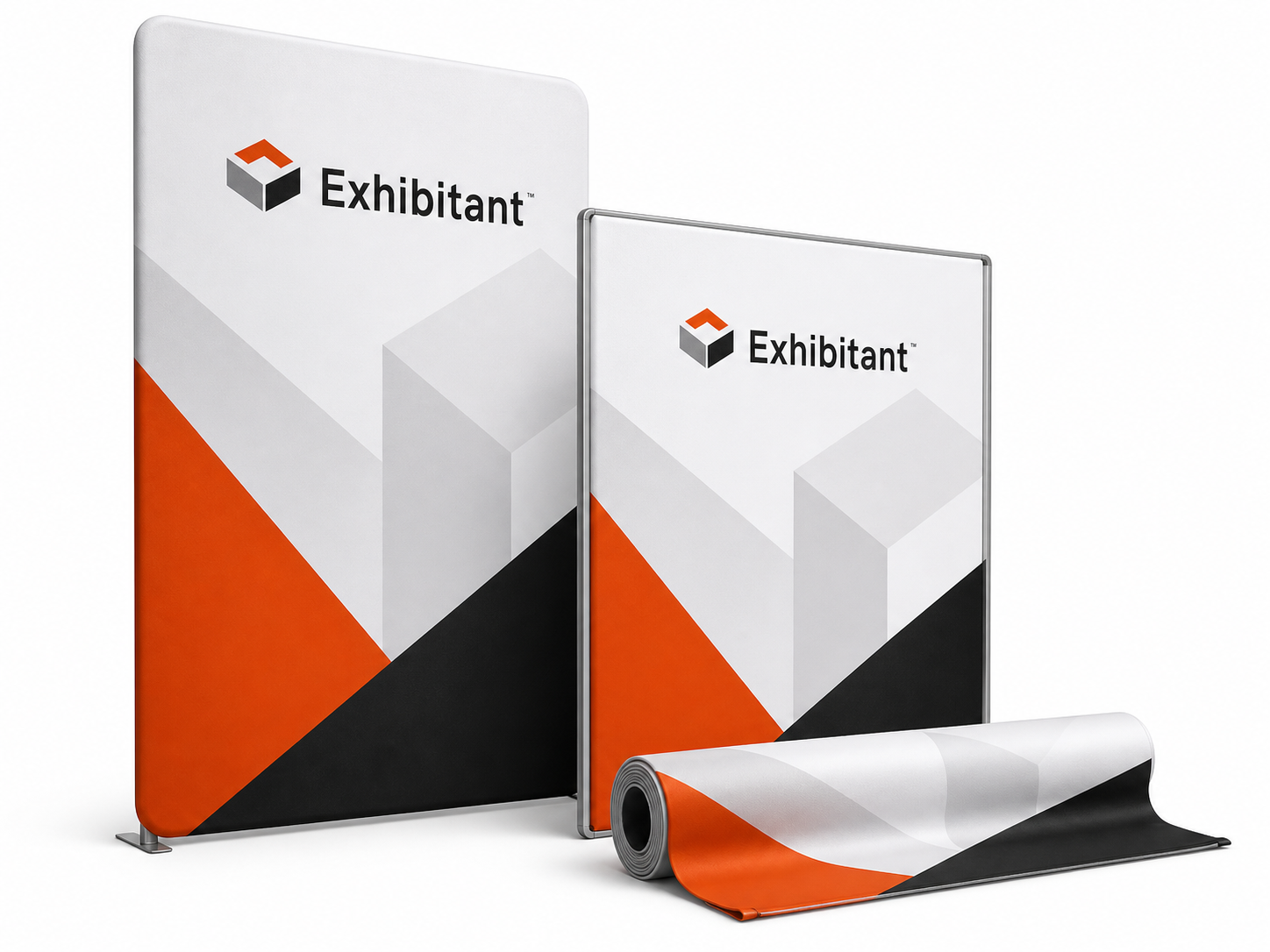
Replacement Graphics example

Refresh paths

Update the message without rebuilding the booth

Refresh your graphics around the hardware you already own, with the right dimensions, materials, and installation fit.

Fabric panels

Replacement tension fabric and pillowcase graphics.

SEG graphics

Silicone edge graphics sized to existing frames.

Backlit panels

Light box graphics reviewed for illumination and color.

Campaign refresh

Swap brand or product messaging across repeat show programs.

Planning fit

Plan replacement graphics around the way you work

A successful reprint begins with the hardware, not just the old artwork. Confirm the fit and material, then update the message for the next show.
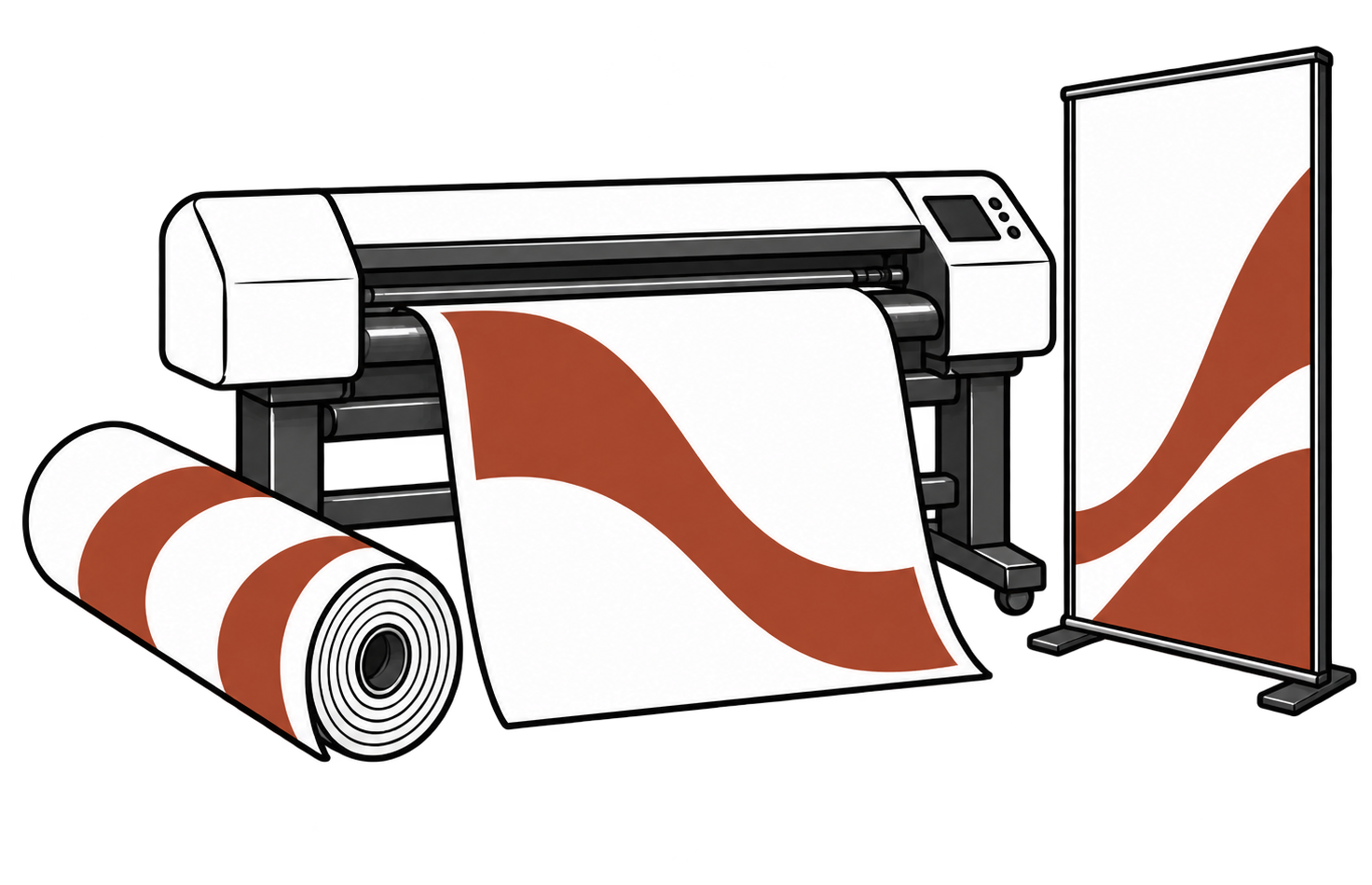
Hand-drawn print proofs and exhibit graphic production materials

Launch a new campaign

Keep suitable hardware in service while updating the main message, product imagery, and visitor call to action.

Refresh worn panels

Identify damaged or tired graphics and review whether individual replacements will match the remaining material and color.

Adapt to a new audience

Prepare a different product or language version on the correct template while preserving the display's physical configuration.

Coordinate a show program

Track graphic versions and panel locations across several displays so each team receives the correct campaign set.

Key decisions

Resolve the details that shape the result

Use these points to connect the visual direction with the working requirements. They help turn a product preference or booth idea into a specification your team can review.

01
Identify the hardware
Gather the manufacturer, model, original order, panel map, and photographs. Confirm the exact configuration before using a previous template.
02
Match the attachment
Check silicone edge, sleeve, hook-and-loop, or other finishing details. Visible panel size alone may not describe the finished graphic needed for a proper fit.
03
Review the material
Match the print specification to illuminated or non-lit use, viewing sides, and the existing system. Review color expectations when replacing only part of a set.
04
Control the versions
Label the artwork, panel position, language, and event. Retain the approved template and files so the next replacement starts with the right information.

Compare approaches

Compare a graphic refresh with a system change

Compare the working requirements of each approach. We can review the tradeoffs against your event, team, and existing equipment.

What to considerReplace the graphicsReview the full display
Best starting point

The existing hardware is identifiable, serviceable, and suits the next event.

The hardware is damaged, unknown, incompatible, or no longer fits the layout.

Scope

Confirm material, dimensions, finishing, artwork, and panel count.

Review structure, configuration, graphics, packing, and setup together.

Main dependency

Reliable hardware information and a confirmed replacement specification.

A clear brief for the new layout and the equipment it needs to support.

Future use

Retain the verified template and hardware details for later campaigns.

Document the selected system and replacement options from the start.

How it works

From a useful brief to a prepared show team

The project moves through clear decisions, reviews, and handoffs. We confirm the work and responsibilities in your proposal, then plan the milestones around the event.

  1. STEP 01

    Confirm the application

    Review where the product will sit, how it will be used, and what it needs to connect to. Agree on dimensions, quantities, and the event delivery target.

  2. STEP 02

    Resolve the specification

    Select the hardware, material, finish, and graphic format. Review compatibility and identify design, transport, or setup support to include in the quote.

  3. STEP 03

    Review and approve

    Prepare the agreed artwork and production details. Your team checks the proof and specification before the approved version moves into production.

  4. STEP 04

    Prepare for use

    Coordinate the agreed packing and delivery route. Keep the component information, setup notes, and approved files available for installation and future orders.

Your schedule brings the scope, approvals, production, and delivery route together. Sharing the show and arrival dates early helps us identify the right milestones and any decisions to prioritize.

Before production

Review the fit, finish, and show requirements

A clear specification helps everyone work from the same approved information. These checks connect the product or structure to its artwork, event, and setup plan.
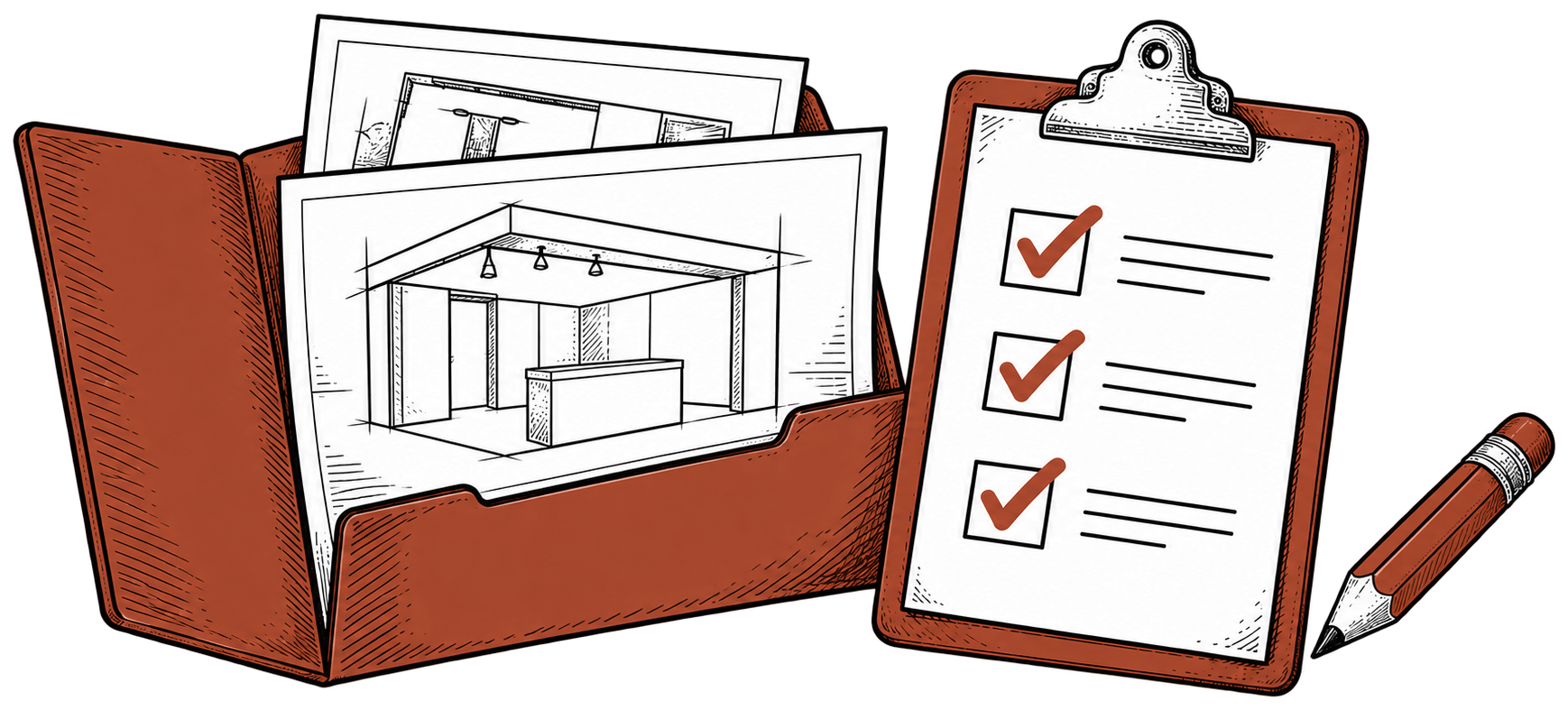
Hand-drawn exhibit plan and approval checklistExplore print and artwork preparation
01
Dimensions and compatibility
Confirm the actual space, hardware model, attachment points, and usable clearances. Check equipment and product measurements against the selected configuration.
02
Graphics and visibility
Review the message at its intended viewing distance. Keep important content clear of seams, trim areas, counters, and equipment that could cover it.
03
Venue and setup requirements
Use the event manual to identify relevant height, electrical, fire-documentation, labor, and rigging requirements. Assign each submission or service order to an owner.
04
Packing and handoff
Check what travels, where it needs to arrive, and how it will be assembled. Keep a clear packing list, contact information, and a plan for return freight or storage.

Working together

Clear responsibilities at each review point

We bring the product and project detail. Your team brings the business priorities, brand information, and decisions. A named owner on each side keeps the work moving.

Define the project

Our part

We help translate your event goals into a practical product or layout direction and identify the information needed for a useful quote.

Your part

Share the booth allocation, show manual, products, priorities, budget range, and any equipment you want to reuse.

Review the details

Our part

We organize the agreed specifications, artwork reviews, and production decisions so the selected version is clear.

Your part

Provide the brand assets, check the details, and name the person who can approve the scope, graphics, and changes.

Prepare the handoff

Our part

We coordinate the delivery and setup work included in your proposal and identify the information the receiving team needs.

Your part

Confirm site contacts, access, service orders assigned to your team, and the people responsible for setup, operation, and pack-out.

Quote planning

Build the quote around the complete plan

A useful quote explains the selected configuration and the work needed to put it into use. These are the main areas we review together so the scope reflects your priorities.
Hand-drawn proposal, calculator, and project calendar
01
Panel specification
Dimensions, quantity, material, print faces, and attachment finishing determine the replacement set.
02
Artwork and matching
Template confirmation, file adaptation, versioning, and any requested sample or color review shape preparation.
03
Verification and delivery
Unknown hardware, fit checks, packing, and event delivery requirements affect the project path.

Your proposal brings the selected products, graphics, and support into one clear scope. We can plan design, delivery, installation, and future-show support alongside it, with the details and timing agreed before work proceeds.

Prepare your brief

Start with the details you already have

Use this checklist to organize the first conversation. Mark what is ready and bring the open questions so we can help clarify the next decisions.

Topics you have prepared for Replacement Graphics
Bring what you have, clarify the rest

Mark the topics you have already gathered. Your selections will appear in the enquiry form, where you can add details before continuing. You can start a conversation with any number of items ready.

0 of 6 topics prepared. We can discuss the open items.

This is a planning aid. It does not confirm feasibility, pricing, or a delivery date. Nothing is sent by checking a box.

Frequently asked questions

Replacement Graphics questions

Find guidance on choosing the right configuration, preparing artwork, planning the quote, and getting ready for delivery and reuse.

8 questions about choosing the right fit.

Can you replace graphics for another supplier's frame?

We can review the request when the hardware and finishing can be identified. Send the manufacturer, model, dimensions, photographs, and original template if available. Compatibility must be confirmed before production.

Is measuring the old graphic enough?

An old graphic may have stretched, shrunk, or been measured without its finishing allowance. Use the hardware specification and correct template wherever possible, with measurements and photos as supporting information.

What if we do not know the frame model?

Send clear photographs of the full structure, joints, labels, channel, and graphic edges. The team can assess whether enough information exists to establish a reliable replacement specification.

Can a normal graphic be used in a light box?

Backlit graphics need a suitable material and print specification for illumination. Confirm the light-box system before adapting a non-lit file or fabric.

Will one new panel match older panels?

Material batches, age, lighting, and print conditions can affect the match. Discuss which panels sit together and whether replacing a complete visible set is more appropriate.

Can we change the display size with new graphics?

New graphics alone do not change the frame geometry. Any size change needs compatible hardware and a matching graphic specification.

Can we keep several campaigns for one frame?

Yes, when each graphic is made for the verified configuration. Label and store the sets so the event team can identify the right panels and artwork version.

Should we send the old graphic or frame?

Physical inspection may help when documentation is incomplete, but discuss the need and shipping arrangements with the team first. Start with photographs, measurements, and any original order information.

Replacement graphic help

Need new graphics for existing hardware?

Send your booth photos, hardware details, and artwork status. We will map the replacement path.

info@exhibitant.com

Tell us what you need

A few details will help us make the most of our conversation.