Interactive support

Kiosks for booth demos and visitor flow

Kiosks support the interactive details inside the booth: demos, lead capture, product information, and visitor self-service. We help place them so they support the layout instead of cluttering it.
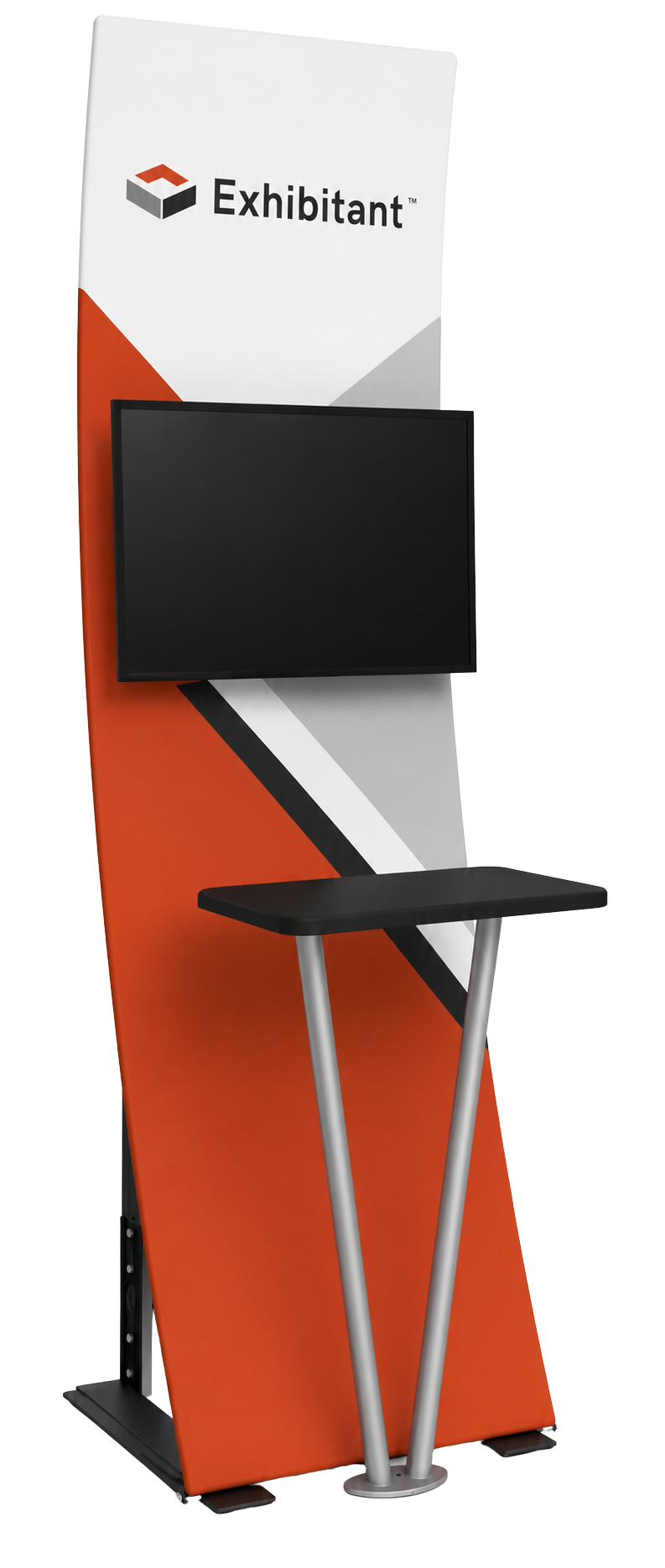
Kiosks example

Kiosk options

Interactive points should work with the booth layout

Plan kiosk placement, equipment, and visitor access around the demos and information you want to share.

Tablet kiosks

Useful for lead capture, signups, and guided demos.

Information kiosks

Freestanding points for product or program information.

Demo kiosks

Create a focused point for product walkthroughs, video, or guided content.

Self-service kiosks

Let visitors browse, scan, register, or request follow-up without waiting on staff.

Planning fit

Plan kiosks around the way you work

Start with the visitor's task, then plan the device, enclosure, content, and booth location. A useful kiosk needs a clear interaction and a reliable operating plan.
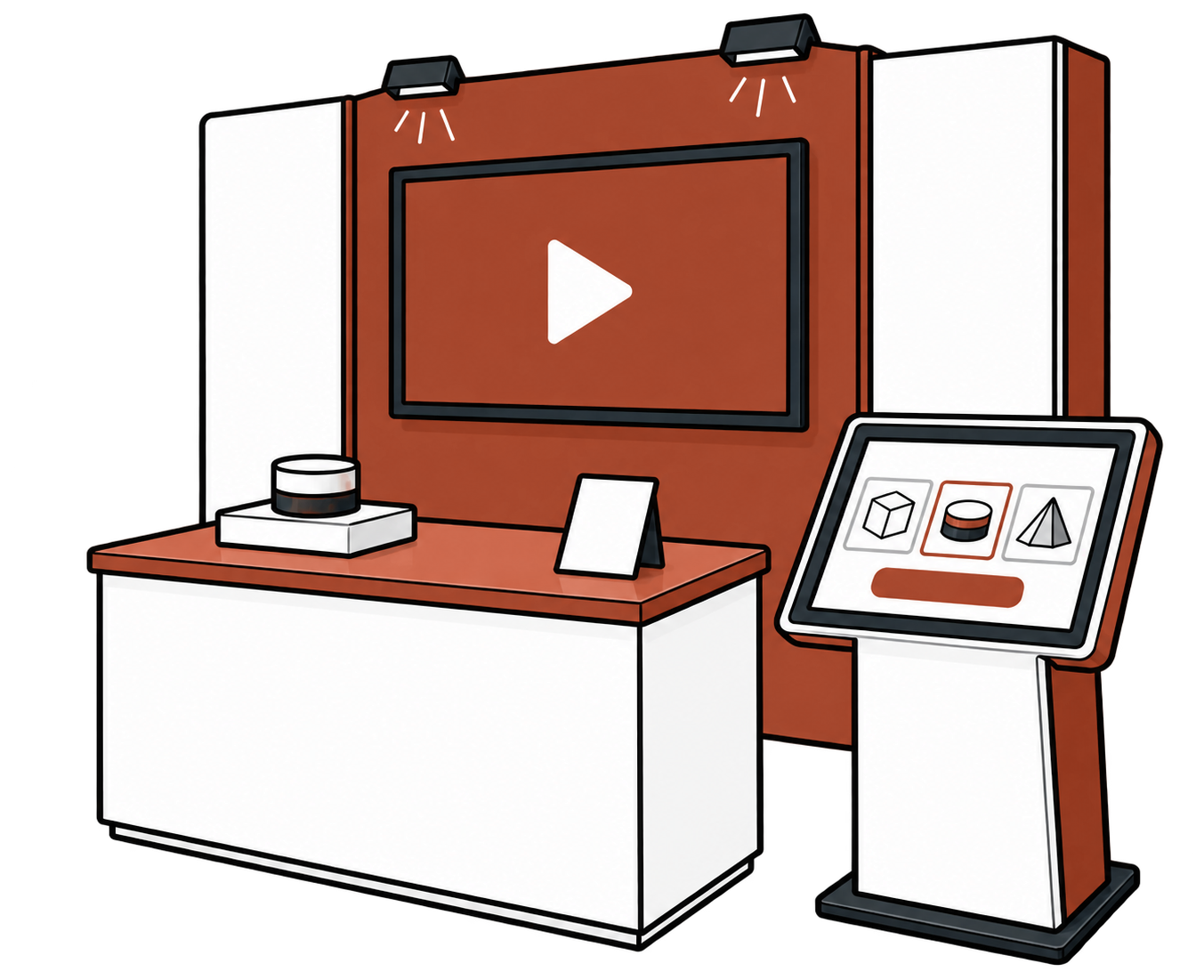
Hand-drawn kiosk and demonstration counter with a screen

Guide a product demo

Give a staff member a consistent device and content setup for walking visitors through a product or service.

Collect a follow-up request

Keep the form short and the next step clear. Plan consent language, data handling, and ownership of the follow-up.

Offer self-service information

Let visitors explore a focused set of products or resources with clear navigation and a way to ask a person for help.

Support registration

Organize check-in or sign-up around queue space, device access, connectivity, and the staff who handle exceptions.

Key decisions

Resolve the details that shape the result

Use these points to connect the visual direction with the working requirements. They help turn a product preference or booth idea into a specification your team can review.

01
Device and enclosure
Confirm the exact device model, dimensions, orientation, connection ports, and mounting pattern. Review ventilation and how staff can reach controls.
02
Content and connectivity
Identify the app or website, connection needs, power supply, and fallback when connectivity is unavailable. Test the actual experience on the intended device.
03
Interaction and access
Plan screen angle, reach, approach space, and time per interaction. Place the station so visitors can stop without blocking an aisle or demonstration.
04
Operation and handoff
Assign responsibility for charging or power, opening the app, clearing sessions, monitoring use, and retrieving the information collected.

Compare approaches

Choose how visitors will use the kiosk

Compare the working requirements of each approach. We can review the tradeoffs against your event, team, and existing equipment.

What to considerStaff-guided stationSelf-service station
Visitor experience

A team member introduces the task and adapts the demonstration.

The content must explain the task and next action without a presenter.

Content

Supports a conversation with controlled examples and navigation.

Needs obvious navigation, concise instructions, and a useful completion state.

Operation

Staff can handle questions and recover from an interrupted session.

Plan session reset, exception handling, monitoring, and access to help.

Data collection

Staff can explain what information is requested and why.

The interface needs clear information about consent and the requested follow-up.

How it works

From a useful brief to a prepared show team

The project moves through clear decisions, reviews, and handoffs. We confirm the work and responsibilities in your proposal, then plan the milestones around the event.

  1. STEP 01

    Confirm the application

    Review where the product will sit, how it will be used, and what it needs to connect to. Agree on dimensions, quantities, and the event delivery target.

  2. STEP 02

    Resolve the specification

    Select the hardware, material, finish, and graphic format. Review compatibility and identify design, transport, or setup support to include in the quote.

  3. STEP 03

    Review and approve

    Prepare the agreed artwork and production details. Your team checks the proof and specification before the approved version moves into production.

  4. STEP 04

    Prepare for use

    Coordinate the agreed packing and delivery route. Keep the component information, setup notes, and approved files available for installation and future orders.

Your schedule brings the scope, approvals, production, and delivery route together. Sharing the show and arrival dates early helps us identify the right milestones and any decisions to prioritize.

Before production

Review the fit, finish, and show requirements

A clear specification helps everyone work from the same approved information. These checks connect the product or structure to its artwork, event, and setup plan.
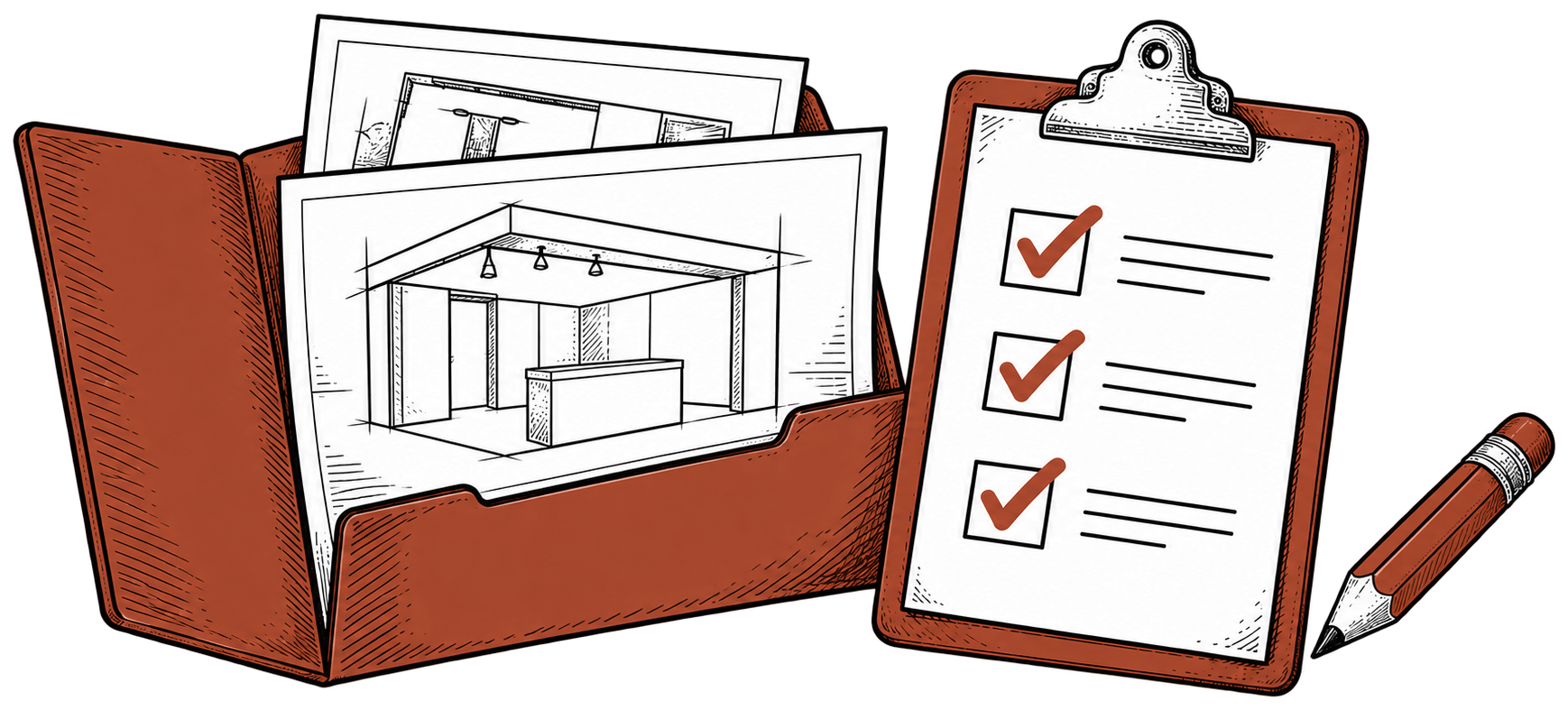
Hand-drawn exhibit plan and approval checklistExplore print and artwork preparation
01
Dimensions and compatibility
Confirm the actual space, hardware model, attachment points, and usable clearances. Check equipment and product measurements against the selected configuration.
02
Graphics and visibility
Review the message at its intended viewing distance. Keep important content clear of seams, trim areas, counters, and equipment that could cover it.
03
Venue and setup requirements
Use the event manual to identify relevant height, electrical, fire-documentation, labor, and rigging requirements. Assign each submission or service order to an owner.
04
Packing and handoff
Check what travels, where it needs to arrive, and how it will be assembled. Keep a clear packing list, contact information, and a plan for return freight or storage.

Working together

Clear responsibilities at each review point

We bring the product and project detail. Your team brings the business priorities, brand information, and decisions. A named owner on each side keeps the work moving.

Define the project

Our part

We help translate your event goals into a practical product or layout direction and identify the information needed for a useful quote.

Your part

Share the booth allocation, show manual, products, priorities, budget range, and any equipment you want to reuse.

Review the details

Our part

We organize the agreed specifications, artwork reviews, and production decisions so the selected version is clear.

Your part

Provide the brand assets, check the details, and name the person who can approve the scope, graphics, and changes.

Prepare the handoff

Our part

We coordinate the delivery and setup work included in your proposal and identify the information the receiving team needs.

Your part

Confirm site contacts, access, service orders assigned to your team, and the people responsible for setup, operation, and pack-out.

Quote planning

Build the quote around the complete plan

A useful quote explains the selected configuration and the work needed to put it into use. These are the main areas we review together so the scope reflects your priorities.
Hand-drawn proposal, calculator, and project calendar
01
Hardware fit
Stand, enclosure, mounting, security, and device compatibility define the physical configuration.
02
Digital experience
Devices, software, content, forms, and integrations are confirmed as separate scope items where needed.
03
Show operation
Power, network service, cable management, testing, transport, and setup affect the full event plan.

Your proposal brings the selected products, graphics, and support into one clear scope. We can plan design, delivery, installation, and future-show support alongside it, with the details and timing agreed before work proceeds.

Prepare your brief

Start with the details you already have

Use this checklist to organize the first conversation. Mark what is ready and bring the open questions so we can help clarify the next decisions.

Topics you have prepared for Kiosks
Bring what you have, clarify the rest

Mark the topics you have already gathered. Your selections will appear in the enquiry form, where you can add details before continuing. You can start a conversation with any number of items ready.

0 of 6 topics prepared. We can discuss the open items.

This is a planning aid. It does not confirm feasibility, pricing, or a delivery date. Nothing is sent by checking a box.

Frequently asked questions

Kiosks questions

Find guidance on choosing the right configuration, preparing artwork, planning the quote, and getting ready for delivery and reuse.

8 questions about choosing the right fit.

Does a kiosk include the tablet or screen?

The proposal identifies the physical stand, enclosure, device, and any software separately. Share what you already own so the configuration can be matched to it.

Can any tablet fit the stand?

No. Device dimensions, port locations, orientation, and enclosure compatibility vary. Confirm the exact model before selecting the stand.

Can it work without internet?

That depends on the content or application. If offline operation is required, confirm supported functions and test the full experience before the event.

Can it collect leads?

A kiosk can support an agreed form or capture application. The digital setup, consent wording, storage, access, and follow-up process need to be planned alongside the hardware.

How do we prevent a visitor seeing the previous session?

Use a suitable session reset and data-handling approach in the application. Assign an owner to test it and monitor the station during the show.

Can a kiosk be locked?

Security features vary by stand and enclosure. Specify the device, access requirements, cable security, and who holds the keys or credentials.

How should we make the interaction accessible?

Review the physical approach, reach, screen position, and interface together. Include readable content and a staff-assisted path, and confirm the requirements relevant to your event.

Who creates the content on the screen?

Your team can provide it, or content and digital work can be scoped with the project. Confirm ownership, access, testing, and approvals before setup.

Kiosk help

Need demo or information points in the booth?

Share your booth layout, demo goals, and content needs. We will recommend the right kiosk path.

info@exhibitant.com

Tell us what you need

A few details will help us make the most of our conversation.